Cool audio cutting features to helping you cut and split audio tracks into segments
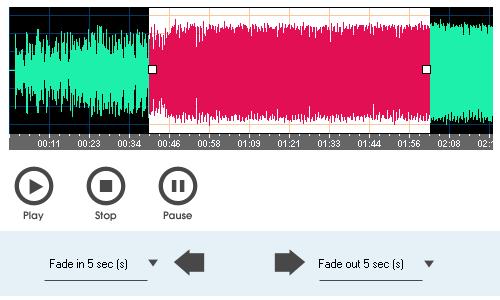
My Audio Cutter allows you to cut and split audio files into smaller segments with ease, using either a visual mode or manual input for the start and end times or segment length. You can preview the selected segment to ensure precise cutting.
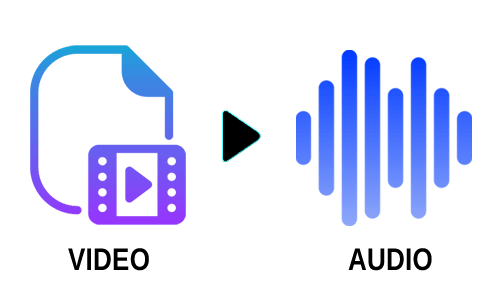
My Audio Cutter also includes the ability to extract audio from video files, allowing you to easily separate soundtracks, create high-quality audio clips, or repurpose audio for various projects, whether professional or personal.
Add fade-in and fade-out effects to the output audio file. These effects help create a smooth transition at the beginning and end of the audio, enhancing its overall quality and providing a polished, professional sound.

My Audio Cutter also supports an audio tagging feature, ensuring that the audio tag information, such as title, artist, album, and other metadata, is preserved in the output audio file. This makes it convenient for organizing and maintaining your audio library.
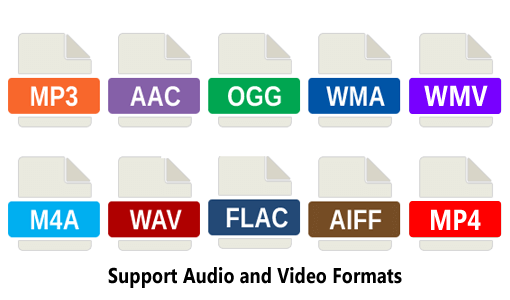
My Audio Cutter supports a wide range of audio formats, including MP3, MP2, WAV, WMA, OGG, FLAC, AIFF, M4A, AAC, AC3, and WV. It also works seamlessly with video formats such as MP4, WMV, and ASF, providing flexibility for various media editing needs.
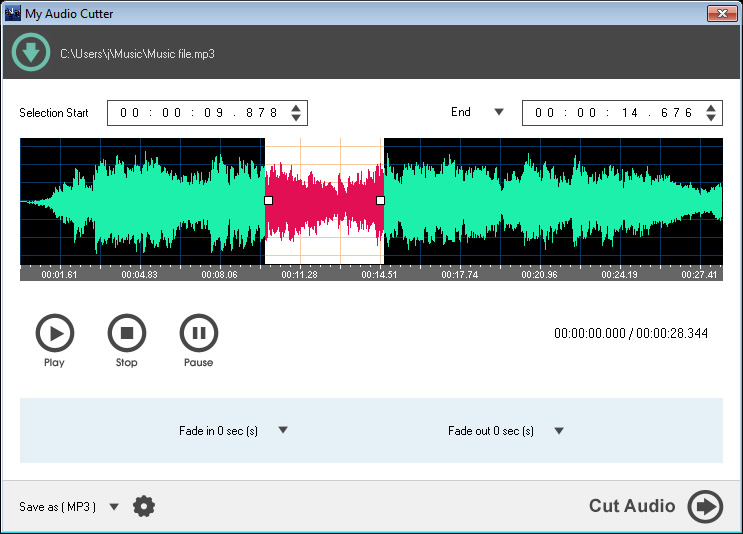
Audio Cutter
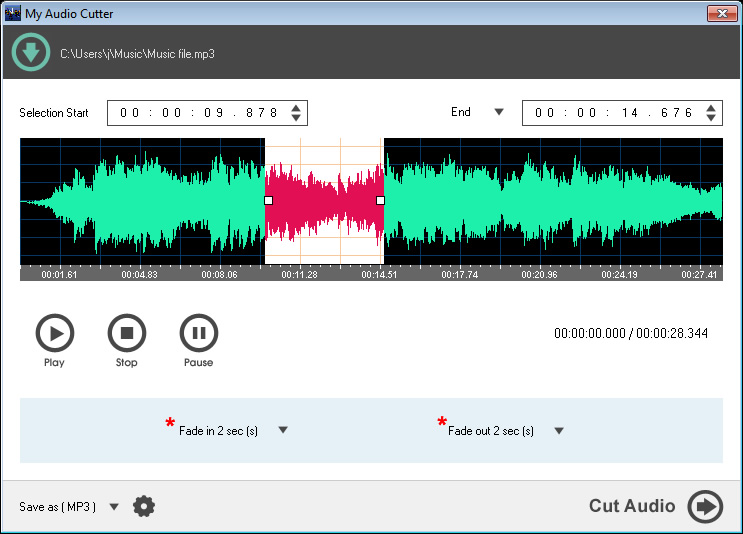
Apply Fade In / Out Effect
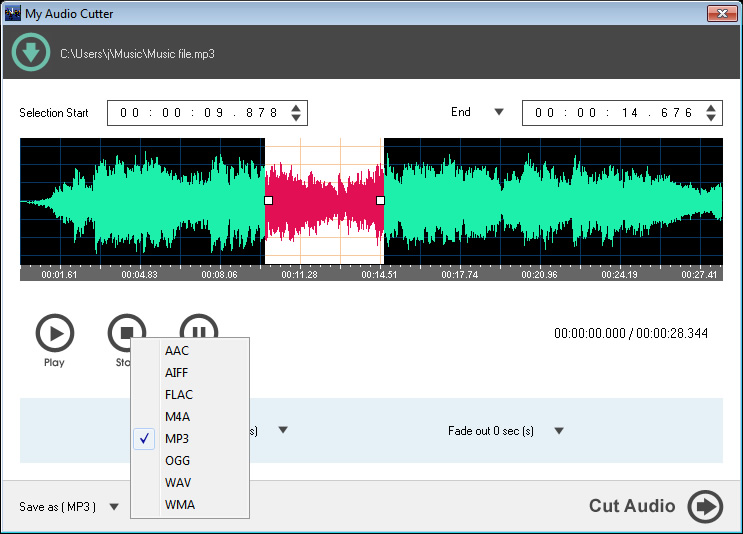
Supported Output Format
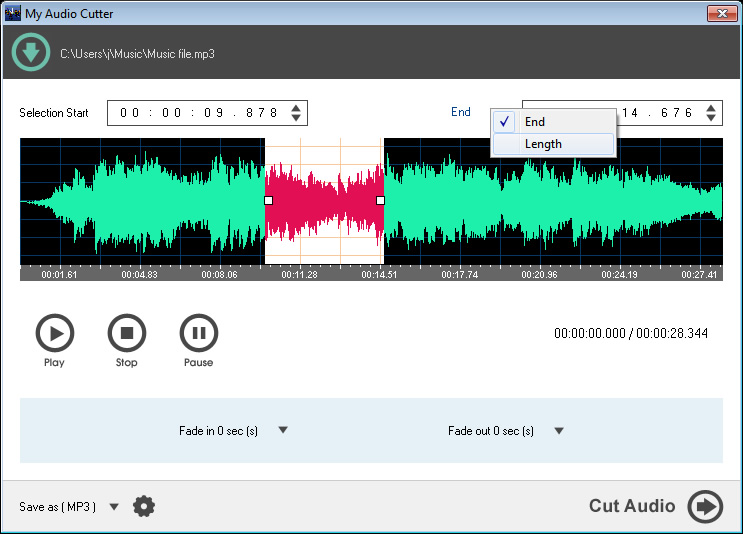
Cut Audio by End Time / Length
Supported Input Audio Format
AAC Audio Files
MP3 Audio Files
MP2 Audio Files
M4A Audio Files
FLAC Audio Files
AIFF Audio Files
AC3 Audio Files
WAV Audio Files
OGG Audio Files
WMA Audio Files
WavPack Audio Files
Supported Input Video Format
MP4 Video Files
WMV Video Files
ASF Video Files
Supported Output Audio Format
AAC Audio Files
AIFF Audio Files
MP3 Audio Files
FLAC Audio Files
WMA Audio Files
OGG Audio Files
M4A Audio Files
WAV Audio Files
Microsoft Windows 7, 8, 10, 11
1.2GHz Intel or AMD CPU
1G RAM
512 MB Hard Disk Storage