Cool video cutting features to help you cut or split a large video
Effortlessly cut, split, or trim a video file into several smaller parts while maintaining the original video quality. This ensures that your edits are precise and seamless without any loss in resolution or clarity.

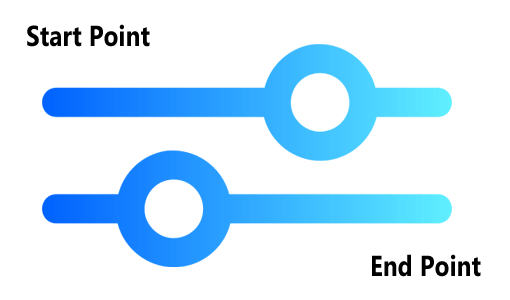
Drag the arrows to adjust and set the start and end points for cutting the video. Users also have the option to manually input the exact start and end times for greater precision and accuracy.
Preview the starting and ending cutting points before making any cuts to the video. This ensures that you make precise edits, avoid accidental trimming of important sections, and achieve a seamless final result.
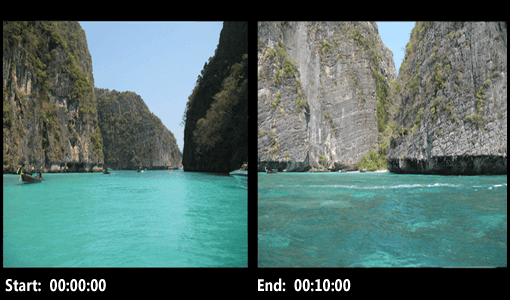

It allows you to cut a video into one or more parts quickly and accurately. The process is simple and straightforward, with no complicated configurations or unnecessary steps involved.
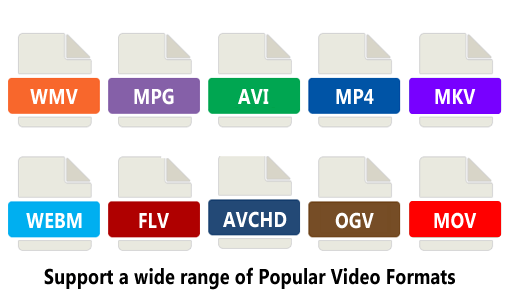
Our software is designed to support a wide range of popular video formats such as 3GP, WMV, AVI, MPG, MP4, FLV, MKV, MOV, QT, OGV, OGM, WEBM, as well as high-quality formats like VOB, AVCHD, and ASF.
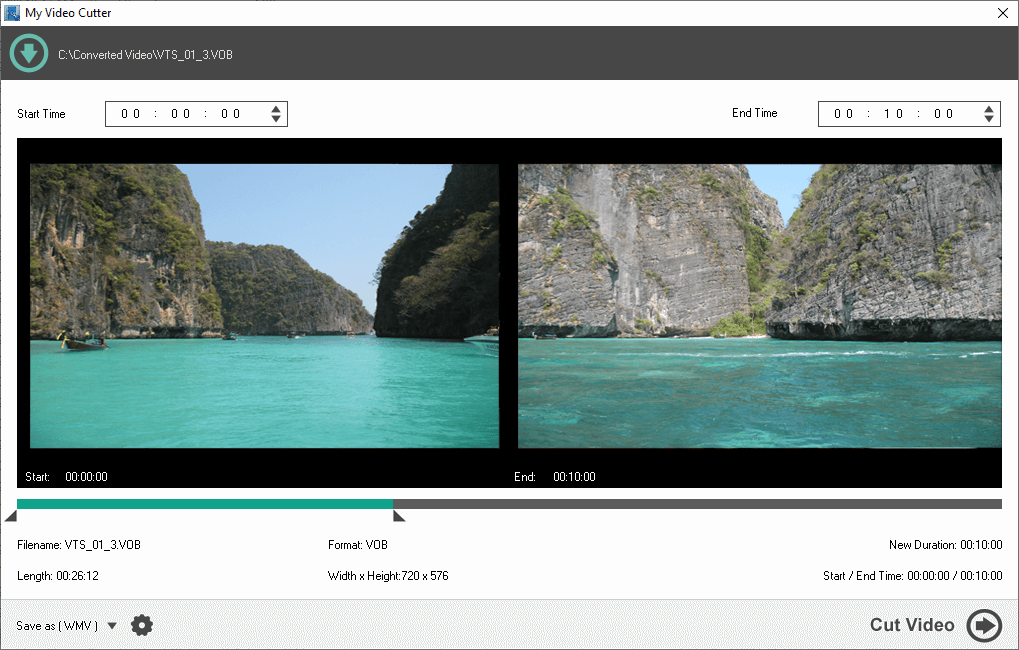
My Video Cutter
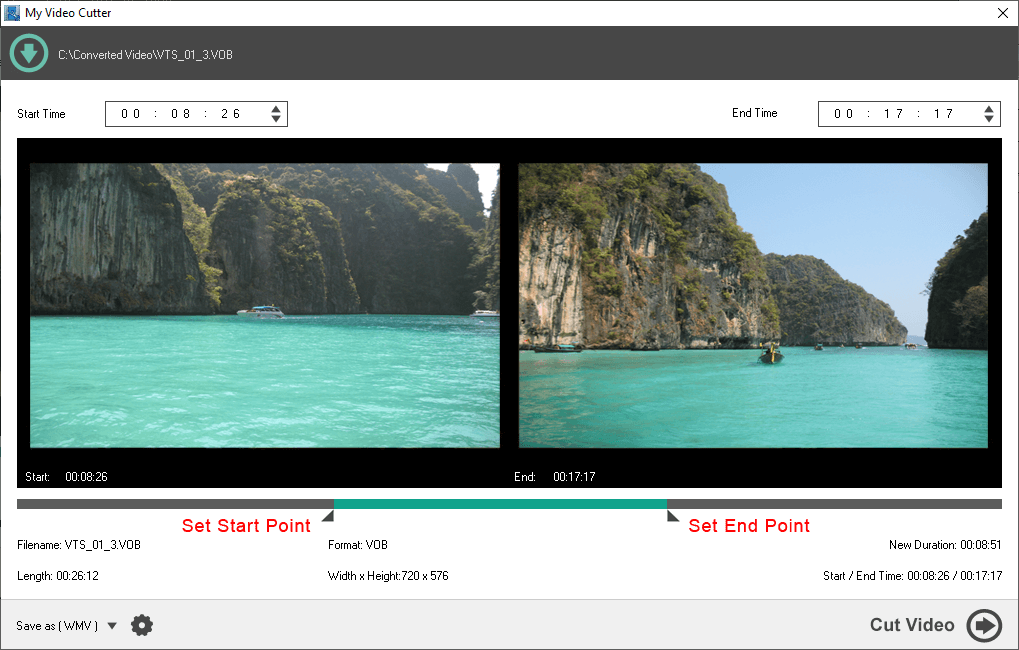
Start End Points
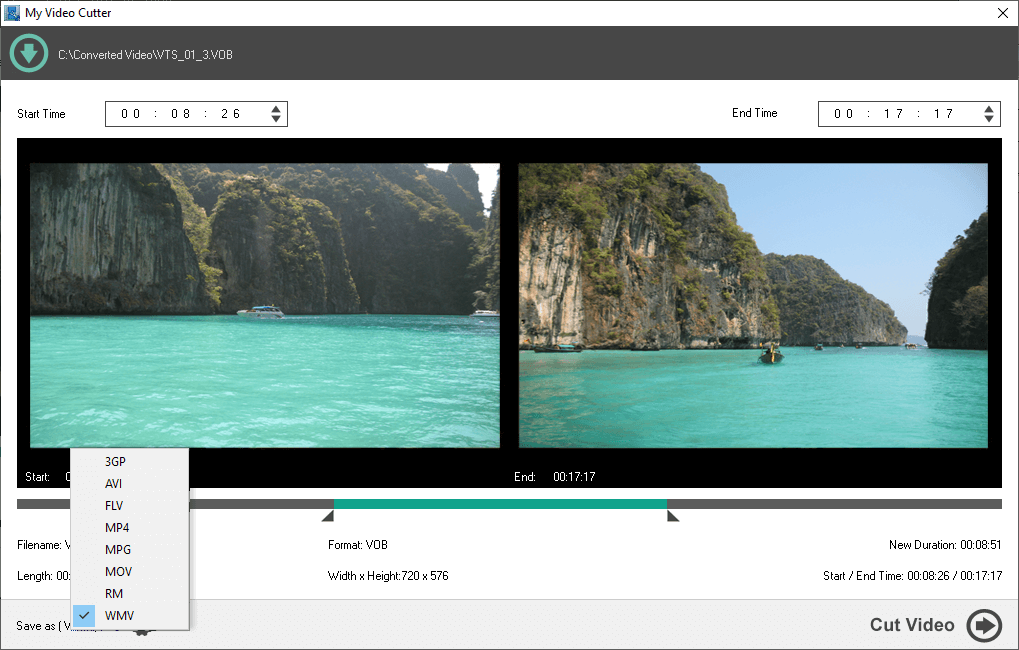
Supported Video Formats
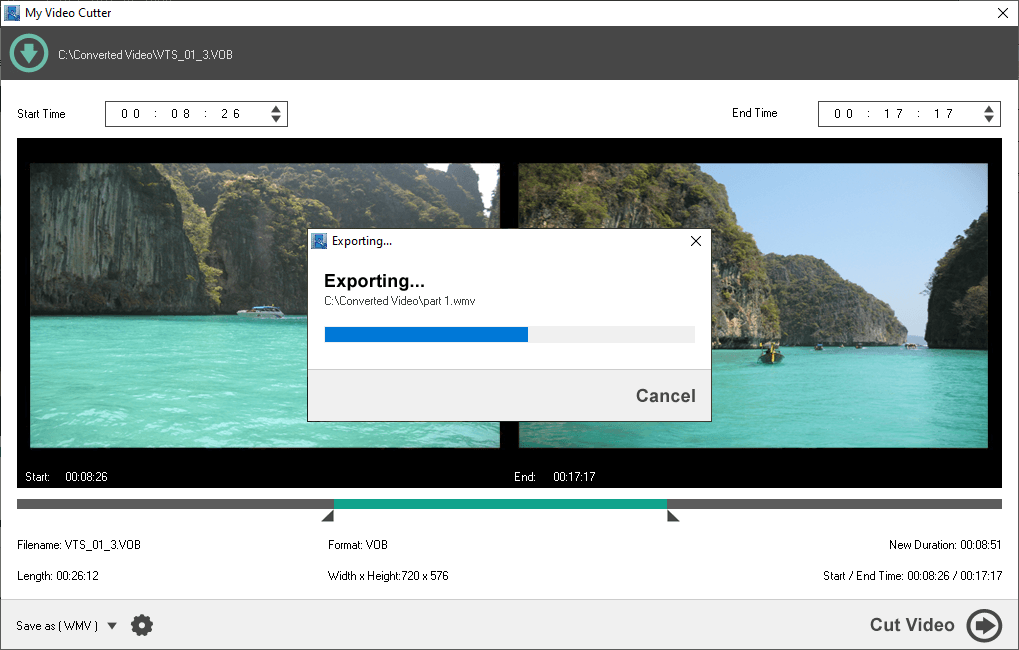
Video Cutting Progress
Supported Input Formats:
Apple QuickTime Video (MOV/QT)
MPEG Video (MPEG-1 and MPEG-2 Video, VCD and SVCD, PAL, and NTSC)
MPEG-4 Video (MP4/M4V)
Windows Media Video (WMV)
3GP Files (3GP/3G2)
AVI Files (DivX, XviD, MS MPEG-4, Uncompressed, Cinepak and other)
DVD (VOB)
MKV Video
VideoCD (DAT)
HD AVCHD (TS, MTS, M2T, M2TS)
OGG Video (OGV, OGM)
Webm Video
Flash Video (FLV)
Supported Output Formats:
3GP Video Format
AVI Video Format
MPEG Video
MPEG-4 Video
Windows Media Video (WMV)
Apple QuickTime Video
Flash FLV Video
RealMedia Video
Microsoft Windows 7, 8, 10, 11
1.2GHz Intel or AMD CPU
1G RAM
512 MB Hard Disk Storage