Discover the best audio editing features to make your audio stands out
Edit audio files effortlessly with features like Cut, Copy, Delete, Paste, Trim, and Enhance, in a visual editing environment. Supports simultaneous editing of multiple audio files for maximum efficiency.


Apply audio effects; Amplify, Compressor, Delay, Envelope, Equalizer, Expander, Fade, Flanger, Noise, Silence, Invert, Normalize, Phaser, Reverb, Reverse, Tempo, Vibrato, Chorus, Pitch, Distortion, VST, and DirectX.
Apply audio filters; Band Pass Filter, FFT Filter, High Pass Filter, High Shelf Filter, Low Pass Filter, Low Shelf Filter, Notch Filter, Peak EQ Filter, and FIR Filter.


Capture audio effortlessly from a wide range of sources, including Line-in, Microphone, Streaming audio, and numerous other input options, allowing you to record high-quality sound from virtually any device or platform.
Easily work with a comprehensive range of audio formats, including some of the most commonly used ones such as MP3, M4A, AAC, OGG, WMA, AIFF, FLAC, WAV, and Audio CD. The software also supports many additional formats, ensuring compatibility and flexibility for all your audio editing and playback needs.

Packed with a wide range of features, Dexster Audio Editor delivers a comprehensive solution for all your audio editing needs

Powerful batch audio conversion feature, allowing you to effortlessly convert multiple audio files from one format to another in a single operation.

Enhance the quality of your audio files by reducing unwanted elements. Reduce vocals, eliminate background noise, and remove distracting clicks and pops from your recordings.

Mix audio tracks, giving you the flexibility to combine sounds seamlessly and create a professional-quality final product.

Extract your favorite tracks from CDs or isolate audio from video clips for editing, remixing, or repurposing.

Easily merge multiple audio files into a single track or split long audio files into smaller segments, offering flexibility for any project.

Audio Marker, Audio CD Burning, Audio Protection, Audio Loop, Audio Tag Editor, Text-to-Speech, FTP upload for audio files, and much more.
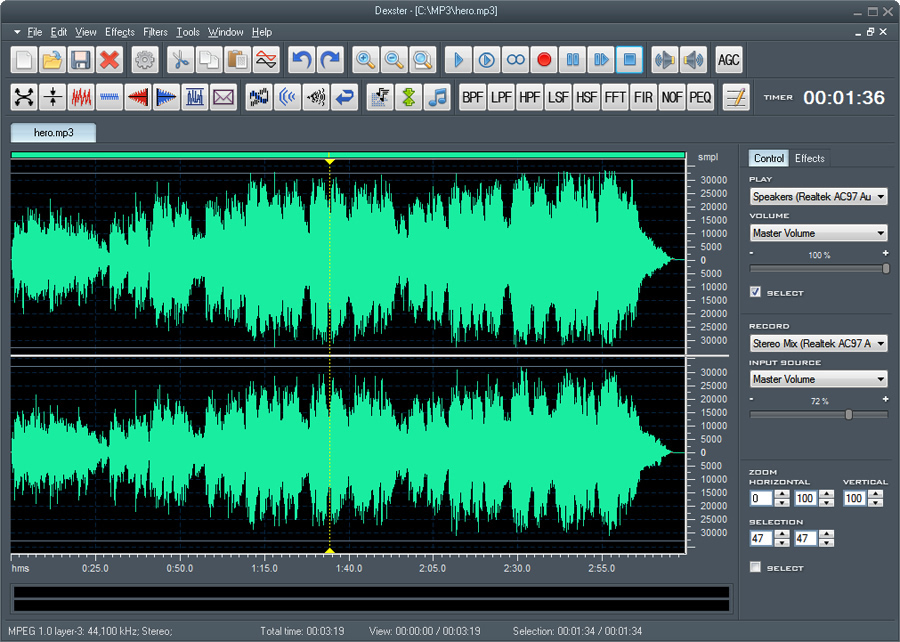
Audio Editor
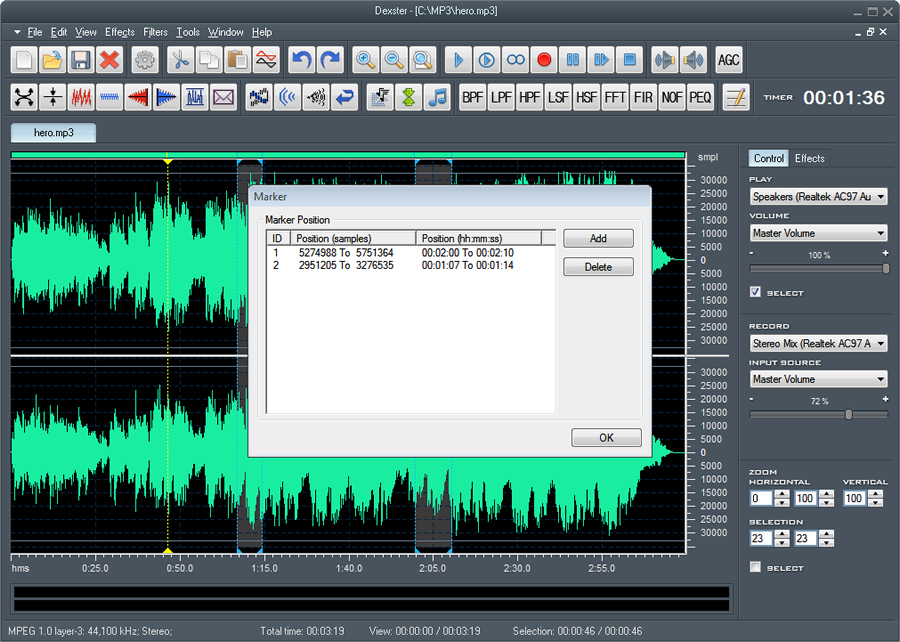
Audio Marker
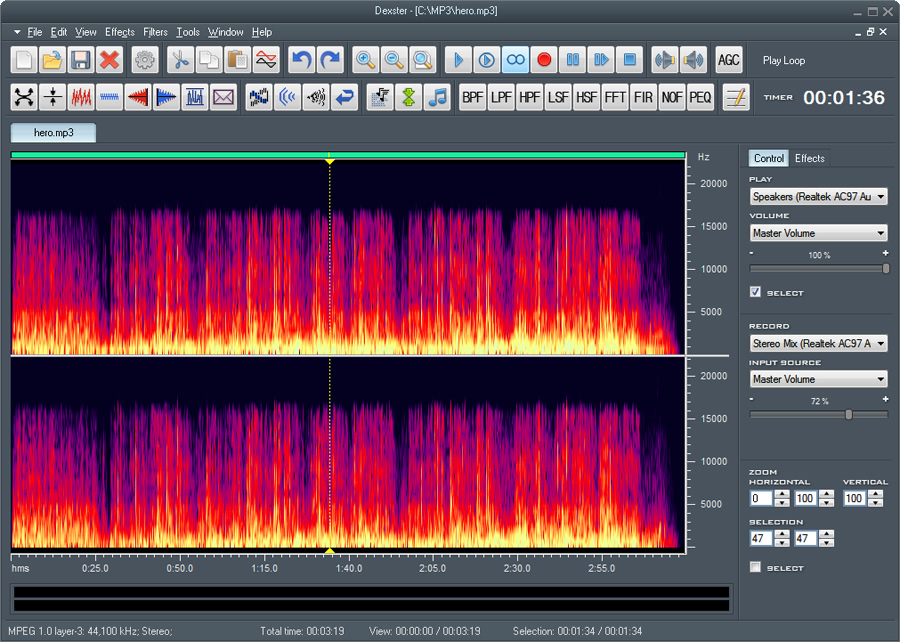
Spectral View
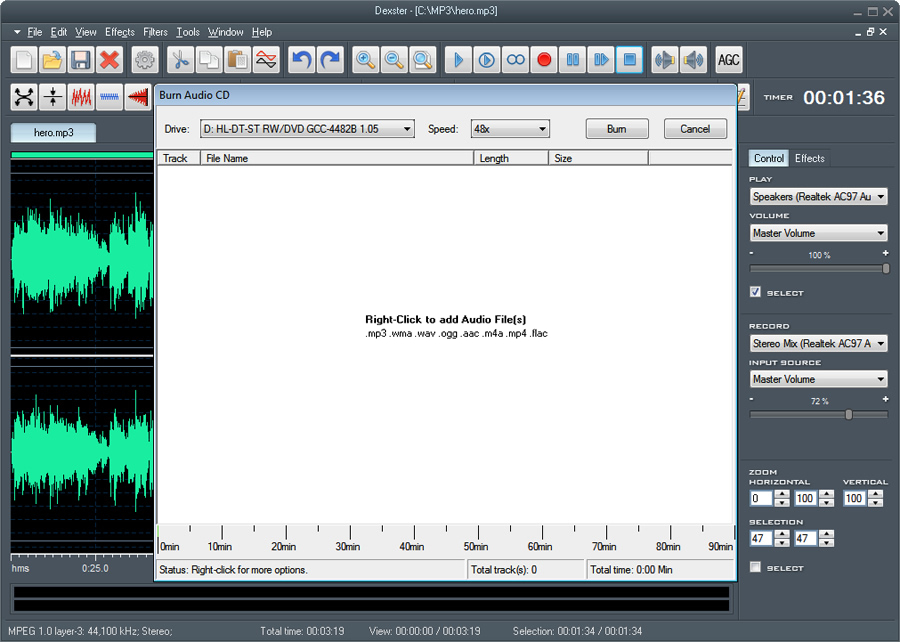
Audio CD Burning
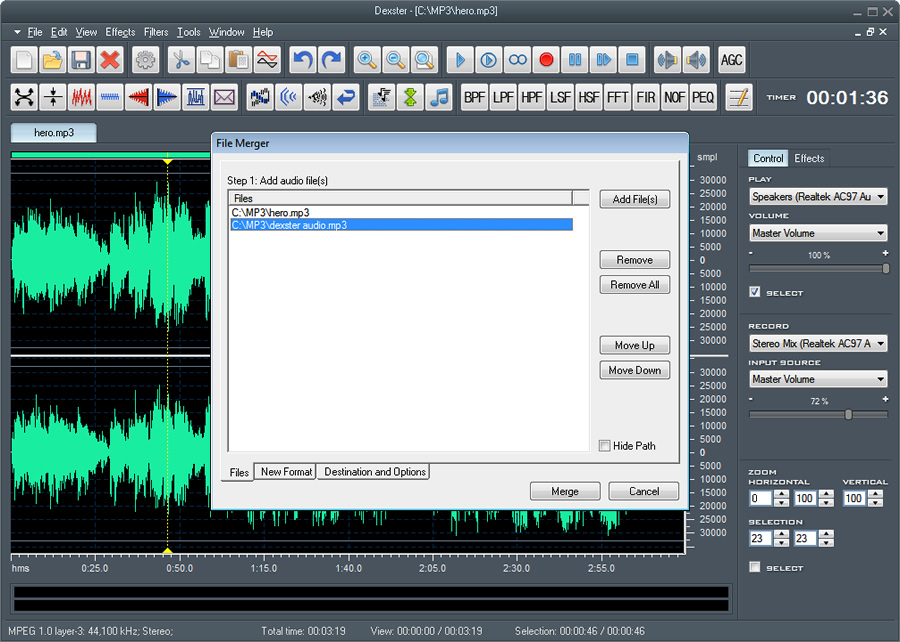
Audio Merging
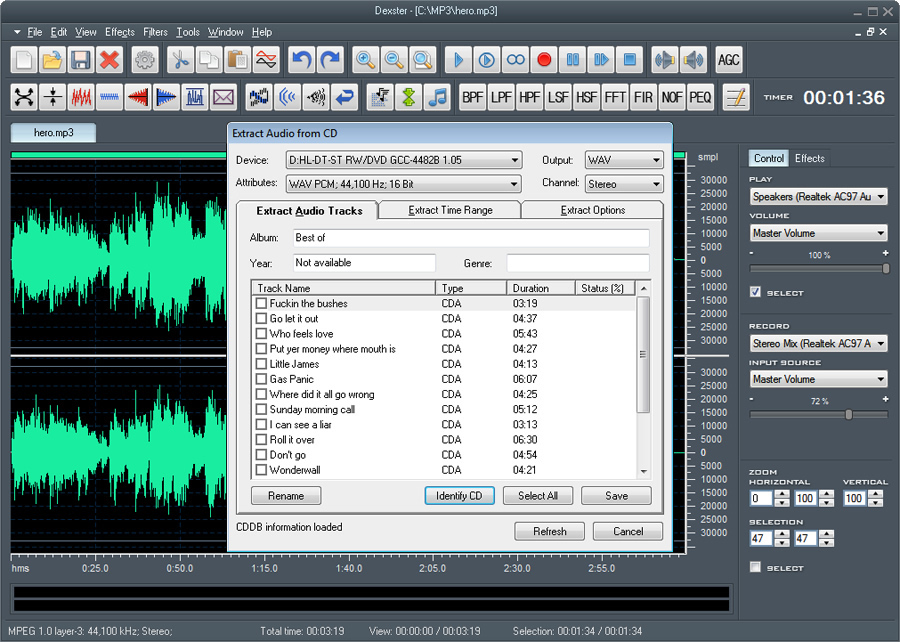
Audio CD Extraction
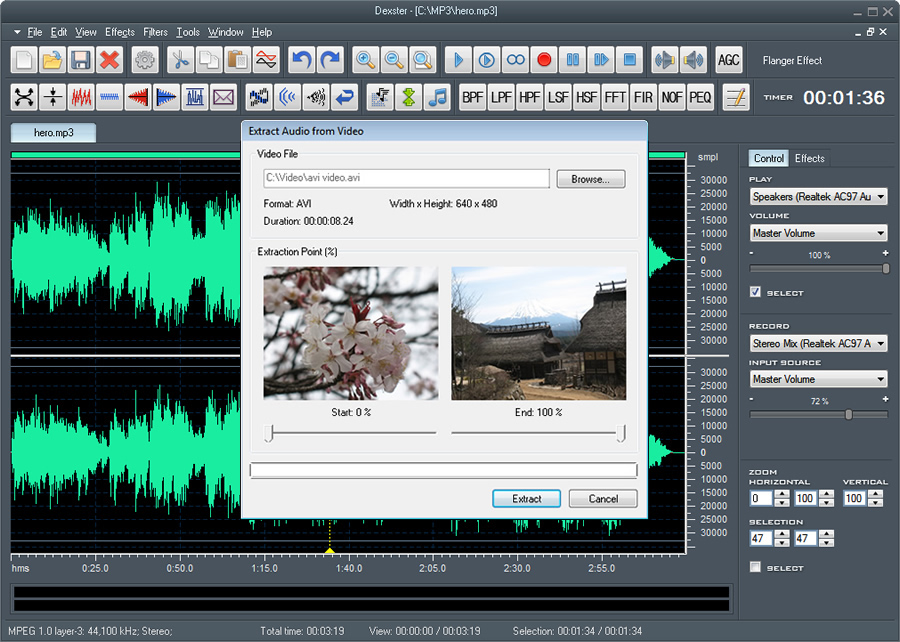
Extract Audio from Video
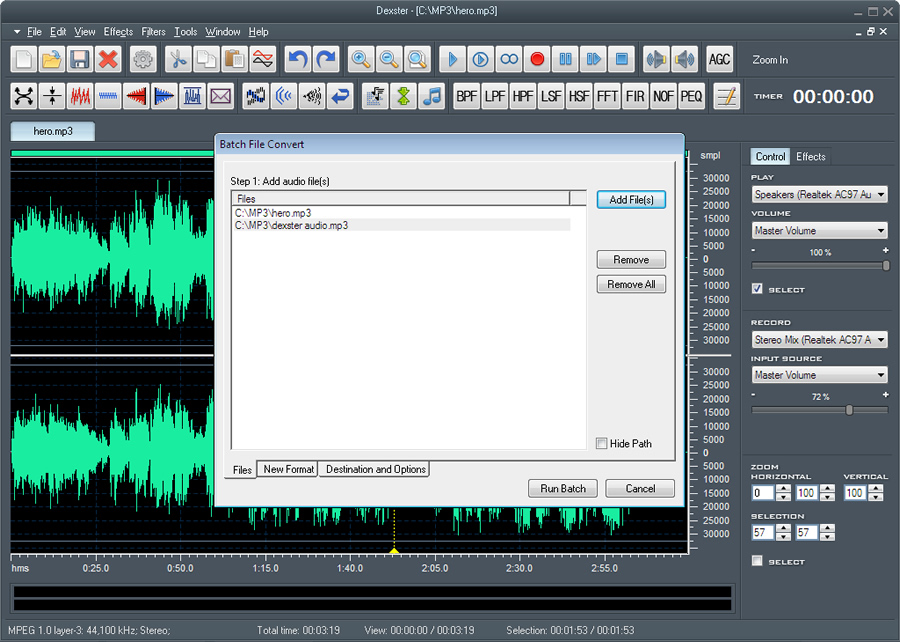
Batch Audio Conversion
Uncompressed/Compressed WAV (PCM, ADPCM, GSM, DSP and others)
MP2 (MPEG 1/2 Layer-2)
MP3 (MPEG 1/2 Layer-3)
MP4 Audio
M4A Audio
FLAC Audio
AAC Audio
VOX (Dialogic ADPCM)
Audio CD
WMA (Windows Media Audio 9)
RAW audio (PCM, A-LAW, U-LAW)
MPC (MusicPack)
AVI (Audio Track)
Ogg Vorbis
G.721, G.723, G.726
AIFF (Apple Audio Format)
AU (UNIX Audio Format)
Microsoft Windows 7, 8, 10, 11
1.2GHz Intel or AMD CPU
1G RAM
512 MB Hard Disk Storage
The trial version will allow you to try Dexster Audio Editor before you buy it.
Download Size: 11.9 MB
OS: Win 7, 8, 10, 11
Price: $ 45
Version: 5.1 (version history)