Convert your audio files to and from FLAC audio format easily with this FLAC Audio Converter software.
The following guides will be guiding you to convert audio files to FLAC audio format by using the FLAC Audio Converter feature in Audiozilla.
Step 1: After installing Audiozilla, select any audio or video files (MP3, MP2, WAV, WAVE, OGG, WMA, AAC, AC3, MP4, AIF, AIFF, FLAC, M4A, WMV, ASF, CDA, AU, WV, WVC, M4V, APE, MPC, MP+, MOD, VOC, CAF, RAW, PCM, GSM, VOX) in the Windows Explorer, then right-click the mouse.
Step 2: You will be able to see the Audiozilla Convert to... menu. Move your mouse to the Audiozilla Convert to... menu and select "FLAC audio file(s)" from the menu shown.
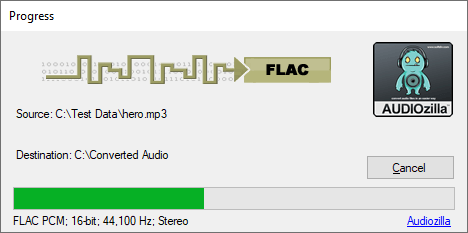
Audiozilla will then start converting audio files to FLAC and upon completion, the saved directory will be opened to show where the files are converted.
The trial version will allow you to try Audiozilla Audio Converter before you buy it.
Download Size: 20.7 MB
OS: Win 7, 8, 10, 11
Price: $ 29.95
Version: 1.2 (version history)