Convert your audio files to and from M4A audio format easily with this M4A Audio Converter software.
How to Convert Audio Files to M4A Format Using M4A Audio Converter features in Audiozilla.
Step 1: Download Audiozilla here and follow the on-screen instructions to complete the installation.
Step 2: Open Windows Explorer and navigate to the folder containing your audio or video files. Select the desired files, then right-click on them. Audiozilla supports popular formats such as MP3, WAV, OGG, WMA, FLAC, M4A, AIFF, CDA, and more.
Step 3: From the right-click menu, locate the "Audiozilla Convert to..." option. Hover over it and choose M4A Audio File(s) from the submenu.
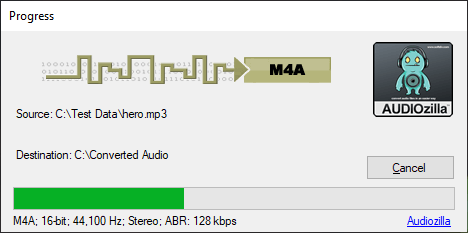
Step 4: The conversion process will begin immediately. Once complete, Audiozilla will automatically open the folder containing the newly converted M4A files.
The trial version will allow you to try Audiozilla Audio Converter before you buy it.
Download Size: 20.7 MB
OS: Win 7, 8, 10, 11
Price: $ 29.95
Version: 1.2 (version history)